
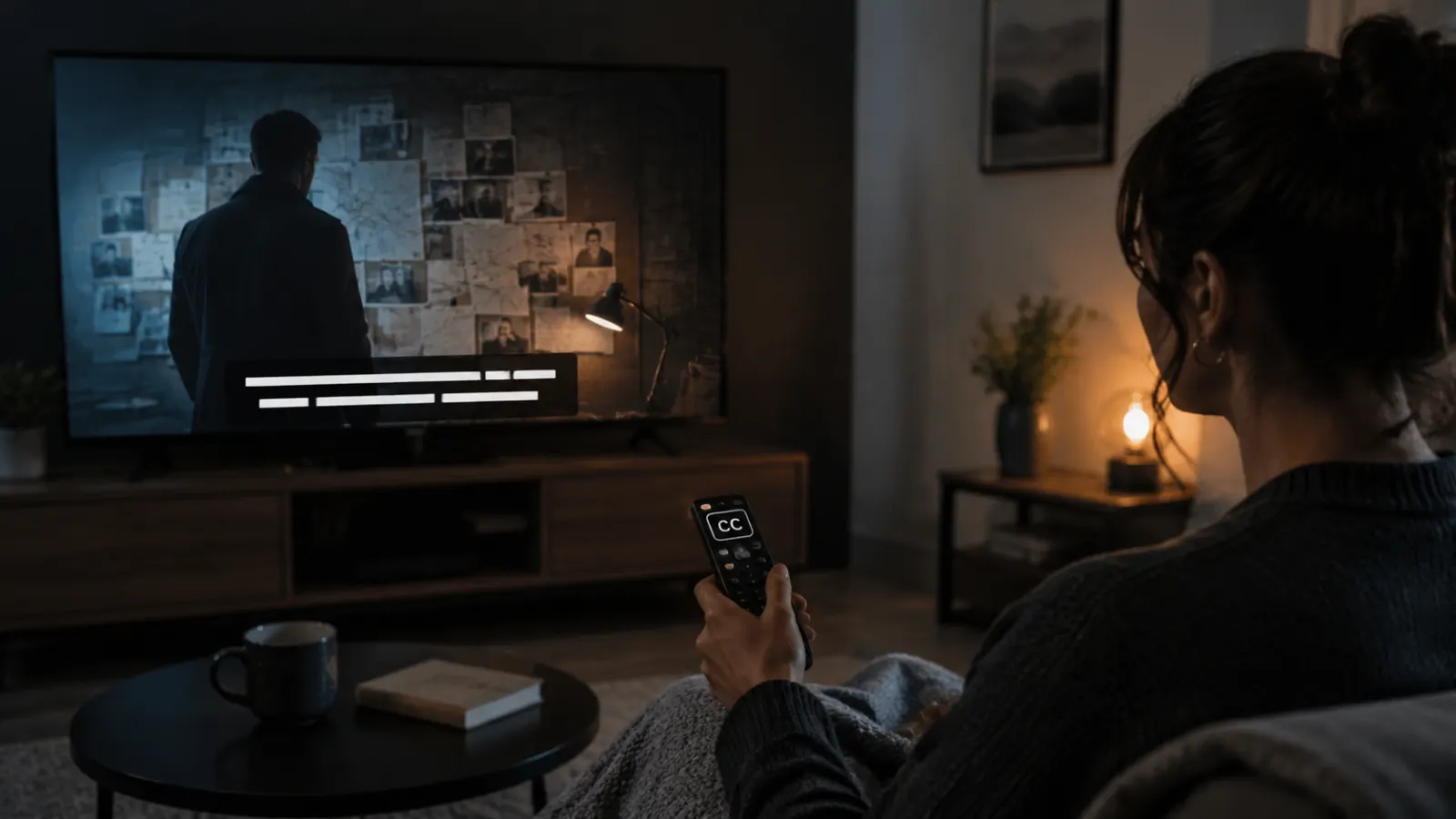
If you want to watch The Fixer series with closed captions, first confirm which version of the show you mean. Several television programs share the same or a similar title.
The 2015 Canadian thriller starring Eric Dane and Kathleen Robertson is available through selected streaming services. In the United States, its Amazon Prime Video listing currently identifies English closed captions as an available option. You may also find the series on Tubi, but availability and caption support can vary by country, device, and episode.
This guide explains where to look, how to activate captions on popular devices, and what to do if the CC option does not appear.
Quick Answer
To watch the 2015 The Fixer series with closed captions:
- Open the series on Amazon Prime Video.
- Confirm that the title page shows English CC under Subtitles.
- Start an episode.
- Open the speech bubble, CC, or Subtitles and Audio menu.
- Select English CC.
- Resume playback and check that the captions match the dialogue.
Prime Video currently lists English CC for this version of the series. Streaming availability can change and may differ outside the United States.
Which Version of The Fixer Do You Want to Watch?
Checking the year, cast, and storyline helps you find the correct series. Searching only for The Fixer may bring up several unrelated programs.
The Fixer from 2015
This Canadian thriller follows investigator Ellie Molaro and a secretive informant named Carter. They investigate claims that a group called the Fixers creates large disasters to manipulate financial markets.
The principal cast includes:
- Eric Dane as Carter
- Kathleen Robertson as Ellie Molaro
- Andrew Airlie as Grant
- Kaniehtiio Horn as Chloe
Prime Video describes it as a 2015 action and suspense series with one season. Some platforms divide the story into four shorter episodes, while the Apple TV program page presents it as two longer parts.
This is the version most likely intended by searches asking how to watch The Fixer series with closed captions.
The Fixer from 2008
The 2008 British drama stars Andrew Buchan, Tamzin Outhwaite, Jody Latham, and Peter Mullan. Its story follows John Mercer, a former Special Forces soldier recruited to work for a covert government organization.
This is a different show from the 2015 Canadian miniseries. Its availability changes by region. A Netflix listing for the 2008 series exists, but the service may report that the title is unavailable in your country.
Before renting or purchasing anything, confirm that the listing shows:
- The 2008 release year
- Andrew Buchan in the cast
- The correct episode count
- A CC or subtitles label
The Fixer with Marcus Lemonis
A newer reality series also uses the title The Fixer. It features entrepreneur Marcus Lemonis helping struggling businesses address operational, financial, and branding problems.
If this is the program you want, search for the show using both the title and the host’s name:
- The Fixer Marcus Lemonis
- The Fixer business series
- The Fixer FOX closed captions
Do not confuse this reality program with the Eric Dane thriller or the Andrew Buchan drama.
Alex Polizzi: The Fixer
Alex Polizzi: The Fixer is a British business program in which Alex Polizzi helps family businesses deal with commercial problems. It originally aired on BBC Two.
Search for its complete name instead of using The Fixer alone. Caption availability will depend on the broadcaster or streaming service carrying it in your country.
Where to Watch the 2015 Series With Closed Captions
Amazon Prime Video
Prime Video is the clearest verified option for the 2015 miniseries in the United States. Its title page currently lists:
- Audio language: English
- Subtitles: English CC
- Release year: 2015
- Number of seasons: One
The page may offer the series through a subscription, purchase, rental, advertising-supported access, or an additional channel. The exact option depends on your location and account.
Always inspect the title page before paying. A title may carry English captions in one country but offer different language options elsewhere.
Tubi
A Tubi listing for The Fixer identifies the story about an investigator who suspects a conspiracy behind major disasters. Tubi availability is geographically restricted, so the page may not open in every country.
Before watching:
- Open the correct series page.
- Start the first episode.
- Open the playback controls.
- Look for a CC or subtitles icon.
- Confirm that English appears in the caption menu.
I cannot confirm that captions are available for every Tubi episode, device, or country. Check the playback menu on the device you plan to use.
Apple TV
Apple hosts a program page for the 2015 series and divides the story into two feature-length parts. However, a program page does not always mean that the title is currently available to purchase or stream in every region.
Open the episode information and look for:
- CC
- SDH
- English subtitles
- Accessibility information
If no caption language appears, do not assume that captions will become available after purchase.
Other Streaming Services
Streaming rights change regularly. A service that carries the series today may remove it, add it, or change its caption tracks later.
Try these searches inside your preferred service:
- The Fixer 2015
- The Fixer Eric Dane
- The Fixer Kathleen Robertson
- The Fixer Ellie Molaro
- The Fixer Season 1
Adding the year or an actor’s name prevents confusion with similarly titled programs.
How to Turn On Closed Captions on Prime Video
Amazon’s official caption instructions say to open the Closed Caption or Subtitles icon during playback and select an available language.
The icon may look like a speech bubble, a rectangular CC symbol, or an Audio and Subtitles menu.
On a Web Browser
Use these steps on a desktop computer or laptop:
- Open Prime Video in a supported browser.
- Select The Fixer and start an episode.
- Move your cursor over the video.
- Select the speech bubble or Subtitles and Audio icon.
- Choose English CC.
- Close the menu and continue watching.
If the menu disappears, move the cursor over the player again.
On an iPhone or Android Phone
The controls may look slightly different depending on the version of the Prime Video app.
- Open the Prime Video app.
- Play the correct episode.
- Tap the screen once to reveal the controls.
- Tap the speech bubble or subtitles icon.
- Select English CC.
- Tap outside the menu to return to the episode.
Rotate your phone into landscape mode if the caption menu feels crowded.
On a Smart TV
Most smart television apps place subtitle settings inside the video controls.
- Start the episode.
- Press the Up, Down, Select, or OK button on the remote.
- Open Subtitles, Languages, or Audio and Subtitles.
- Select English CC.
- Return to playback.
The button sequence varies by television brand and Prime Video app version.
On Fire TV
Amazon’s Fire TV instructions direct viewers to start the video, open the playback menu, choose Subtitles, and select an available language.
If your remote has a Menu button:
- Play the episode.
- Press Menu.
- Select Subtitles.
- Change the setting from Off to English.
- Resume the episode.
On newer Fire TV interfaces, pressing Up or Down may reveal the subtitle menu instead.
On Roku
Try these steps in the Prime Video app:
- Begin playing the episode.
- Press the Up or Down button.
- Open the speech bubble or accessibility menu.
- Select English CC.
- Return to the video.
If the in-app menu does not work, press the star button on the Roku remote and review the system caption settings.
On Apple TV Devices
During playback:
- Press the center button or swipe down on the remote.
- Open Subtitles or Languages.
- Select English CC.
- Close the menu.
Depending on your Apple TV model and software version, you may need to press Up or open the playback information panel first.
On a Game Console
Prime Video on PlayStation and Xbox usually includes subtitle controls in its playback menu.
- Play the episode.
- Press a directional button to reveal the controls.
- Select the speech bubble.
- Choose English CC.
- Return to the episode.
If no option appears, update the Prime Video app and restart the console.
Closed Captions, Subtitles, and SDH Explained
These terms overlap, but they do not always describe the same viewing experience.
Closed Captions
Closed captions usually include spoken dialogue plus important non-speech audio. They may identify speakers, background sounds, music, alarms, or other details needed to understand a scene without hearing the soundtrack.
Viewers can turn closed captions on or off.
Subtitles
Standard subtitles primarily display spoken dialogue. They often translate dialogue into another language and may omit background sounds or speaker identification.
Some services use the word subtitles for both standard subtitles and accessibility captions. Look for labels such as English CC or English SDH if you need fuller audio information.
SDH
SDH means subtitles for Deaf and hard-of-hearing viewers. These subtitles normally include dialogue and relevant sound information.
A platform may label the same type of track as:
- English CC
- English SDH
- English for the Deaf and Hard of Hearing
- Captions
How to Check Caption Availability Before Paying
Do not rely only on a general statement that a service supports captions. Caption availability belongs to the individual title, episode, and region.
Use this checklist:
- Confirm the correct title and release year.
- Open the title’s details page.
- Find the Languages, Accessibility, or More Details section.
- Look for English CC or English SDH.
- Check more than one episode if possible.
- Confirm that the caption track appears on your preferred device.
- Review the rental or purchase conditions before completing payment.
The 2015 Prime Video listing specifically shows English CC. That is stronger evidence than a general CC icon displayed elsewhere on the service.
What to Do if Captions Do Not Appear
A missing caption option does not always mean that the series lacks captions. An app, device, account setting, or regional version may cause the problem.
Pause the Episode and Reopen the Menu
Some players hide the subtitle icon until playback begins. Start the episode, pause it, and then inspect the full control bar.
Select English CC, Not English Audio
Audio and caption settings sometimes appear in the same menu. Changing the audio language will not activate text. Make sure you select English under Subtitles or Captions.
Try Another Episode
If captions work on one episode but not another, the problem may affect a specific video file. Report the episode to the streaming service.
Restart the App
Close the streaming application completely, reopen it, and play the episode again. A temporary loading error can prevent caption tracks from appearing.
Update the Streaming App
An outdated app may not display accessibility controls correctly. Install the newest available version from your device’s app store.
Restart Your Device
Restarting the phone, television, streaming stick, or console can clear temporary playback problems.
Check Device Accessibility Settings
Some devices let you control captions at the system level. Make sure captions have not been disabled in the device’s accessibility settings.
Try a Browser or Different Device
If captions do not appear on your smart TV, open the same episode in a computer browser or mobile app. This helps determine whether the problem belongs to the title or the device.
Disable Browser Extensions Temporarily
Ad blockers, video tools, privacy extensions, and display modifiers can interfere with streaming controls. Temporarily disable them on the streaming site, refresh the page, and check again.
Sign Out and Sign Back In
Signing out can refresh account and language settings. Sign in again, open the episode, and reselect English CC.
Contact the Streaming Service
Provide specific details when reporting a caption problem:
- Series title
- Release year
- Season and episode
- Country
- Device model
- App version
- Missing or inaccurate caption language
- Approximate time when the error occurs
This information helps the support team locate the correct video and caption file.
How to Make Captions Easier to Read
Many streaming devices allow you to adjust how captions look. Available controls may include:
- Text size
- Font style
- Text color
- Background color
- Background opacity
- Window opacity
- Text edge or shadow
Choose settings that keep the words visible against both bright and dark scenes. White or yellow text on a dark, partly opaque background often provides clear contrast, but the best choice depends on your vision and screen.
Avoid making the caption box so large that it covers faces, evidence, names, or other visual details in the thriller.
Common Mistakes to Avoid
Choosing the Wrong Series
A search for The Fixer can lead to a thriller, British drama, business reality show, or documentary program. Check the year, cast, and storyline before subscribing or paying.
Assuming All English Subtitles Are Closed Captions
A basic English subtitle track may display dialogue without sound descriptions. Choose English CC or English SDH when those options appear.
Checking Only the Streaming Service Homepage
A service may support captions generally while a particular title does not. Review the accessibility details for The Fixer itself.
Expecting Identical Availability in Every Country
Streaming catalogs and caption languages vary by location. A US title page does not guarantee access in Canada, the UK, Australia, Pakistan, or another country.
Downloading Unverified Subtitle Files
Unofficial subtitle downloads can contain inaccurate timing, incomplete dialogue, intrusive advertising, or unsafe files. Start with caption tracks supplied by a licensed streaming service.
Why Closed Captions Improve The Fixer
The Fixer includes an investigation, secret information, conspiratorial claims, and plot details that connect events across episodes. Captions can help viewers follow:
- Character names
- Organization names
- Quiet conversations
- Telephone dialogue
- Rapid explanations
- Information delivered over background noise
- Important sounds outside the camera’s view
Captions also make the series more accessible for Deaf and hard-of-hearing viewers. They can help anyone watching in a noisy room, learning English, or trying to understand quiet dialogue without increasing the volume.
Final Viewing Checklist
Before settling in to watch, take a minute to confirm the essentials:
- You selected the correct version of The Fixer.
- The title page shows English CC or English SDH.
- The caption track works on the first episode.
- The text remains synchronized with the dialogue.
- The font and background are easy to read.
- Your chosen service legally offers the series in your country.
For the 2015 Eric Dane and Kathleen Robertson series, Prime Video currently provides the clearest verified route to English closed captions in the United States. Open the caption menu during playback, select English CC, and test the first scene before continuing.
Frequently Asked Questions
Can I watch The Fixer with English closed captions?
Yes, the US Prime Video page for the 2015 series currently lists English CC. Confirm the language options on your local title page because availability can differ by country.
Is The Fixer free to watch?
Tubi currently has a listing for the 2015 series in supported markets. Tubi is advertising-supported, but regional restrictions apply. Prime Video access may require a subscription, purchase, rental, channel, or advertising-supported option. Check the offer shown in your account.
Is The Fixer on Netflix?
Netflix has a page for the 2008 British series, but the title may not be available in your country. This is not the same program as the 2015 thriller starring Eric Dane and Kathleen Robertson.
How many episodes are in the 2015 series?
The story may appear as four standard episodes or two longer parts, depending on the distributor. Check the runtime and episode descriptions rather than assuming that a shorter episode list means content is missing.
Why can I see subtitles but not closed captions?
The service may offer a dialogue-only subtitle track rather than a full accessibility track. Look for English CC or English SDH. If only English appears, test the track to see whether it identifies important sounds and speakers.
Can I change the size of the captions?
Many streaming apps and devices allow caption customization. Look in the app’s accessibility settings or your device’s system settings for text size, color, background, and opacity controls.
Why are captions available on my phone but not my television?
Different versions of a streaming app may expose caption controls differently. Update the TV app, check the television’s accessibility settings, and test the episode on another device.
Can I watch with captions outside the United States?
Possibly, but streaming rights and available caption languages depend on the country. Search for the exact title, year, and cast in your local streaming catalog. I cannot confirm availability in every region.