
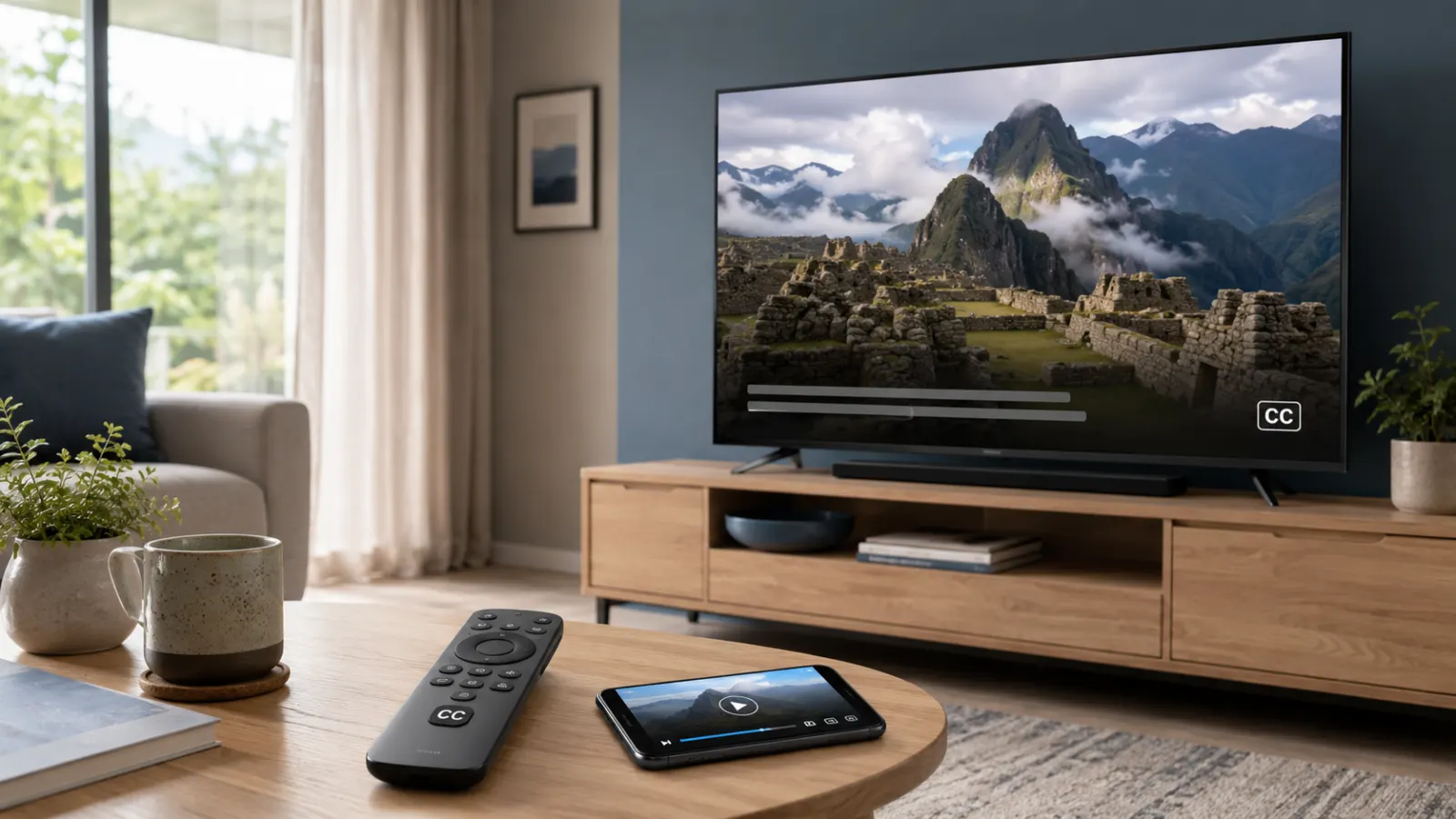
Yes. The official PBS app is free to download and includes closed caption support for many PBS programs. You do not need a separate captioning app or a paid PBS Passport membership simply to turn captions on.
You can use the PBS app on iPhone, iPad, Android devices, Roku, Apple TV, Amazon Fire TV, Android TV, Google TV, Chromecast, supported Samsung televisions, VIZIO SmartCast televisions, and selected Comcast devices. Device availability may change, so check the current list on the official PBS supported devices page.
Some programs require PBS Passport because of streaming rights, but closed captioning itself is not a paid upgrade.
Quick Answer: What Is the Best Free Closed Captioning App for PBS?
The best free option is the official PBS app.
It lets you:
- Stream many PBS programs for free
- Turn closed captions on or off
- Watch your participating local PBS station livestream
- Save programs to a watchlist
- Continue watching across supported devices
- Access PBS Passport programs if you have an eligible station membership
PBS confirms that the app does not require a fee or an additional app to download and sign in. However, some episodes carry a PBS Passport icon and require an eligible local station membership. Many other videos remain available without Passport. You can review the distinction in the PBS guide to free and Passport content.
Do You Need a Separate Captioning App for PBS?
No. You normally do not need a separate speech recognition, transcription, or subtitle app.
Closed captions are already built into the PBS video player when captions are available for a program. Depending on your device, you can control them through either:
- The CC button inside the PBS player
- The playback menu in the PBS app
- Your television or streaming device accessibility settings
A third party captioning app may listen to your device audio and create automatic text, but it will usually be less accurate than captions supplied with the program. Automatic tools can misinterpret names, technical terms, music, accents, and overlapping dialogue.
Start with the official captions in the PBS app. Consider another accessibility tool only if a particular video has no caption track or you need a specialized feature that PBS does not provide.
Is the PBS App Completely Free?
The official PBS app is free to download and use on supported devices. PBS states that the videos available for general streaming on its website are also available through the app. Some programs are restricted to viewers with PBS Passport.
Here is the practical difference:
Free PBS access
Free access can include:
- Many current episodes
- Selected full programs
- Clips and previews
- Local productions
- News and public affairs content
- A participating local station livestream
- Programs available on PBS.org without a Passport symbol
PBS Passport access
PBS Passport provides extended access to participating station members. It may include:
- Older seasons
- Expanded program libraries
- Early access to selected programs
- Episodes no longer available for general streaming
- Programs marked with the Passport icon
Passport is not a separate captioning service. It changes which programs you can watch, not whether the PBS app itself can display captions.
How to Download the Free PBS App
Search for the official PBS app in the app store on your device. Check the publisher and app icon carefully so you do not install an unrelated streaming or caption generator app.
PBS currently lists support for:
- Apple iPhone and iPad
- Android phones and tablets
- Roku
- Apple TV HD and Apple TV 4K
- Amazon Fire TV and Fire Stick
- Android TV
- Google TV devices and televisions
- Google Chromecast
- Samsung Smart TV models from 2017 onward
- VIZIO SmartCast TV
- Comcast X1, Flex, and Xumo Stream Box devices
PBS publishes the latest download links on its official PBS app page.
On a smart television or streaming player, the app may ask you to sign in using a code. PBS says downloading and signing in do not require a fee. Follow the code shown on your television and visit the PBS activation page using a phone or computer.
How to Turn On PBS Closed Captions
The exact controls depend on where you watch. Begin playing a program that displays a CC label or offers a caption option.
On PBS.org
To turn captions on in a web browser:
- Open a video on PBS.org.
- Start playing the video.
- Move your pointer over the player if its controls are hidden.
- Select the CC button near the lower right corner.
- Choose English or another available language.
PBS also offers caption appearance controls on its website. Depending on the player settings available, you may be able to adjust the text color, size, background, opacity, font, or edge style. Follow the official PBS web player caption instructions.
On iPhone or iPad
Closed captioning is available in the PBS app for iPhone and iPad.
- Open the PBS app.
- Choose a captioned program.
- Start the video.
- Wait for the sponsorship message to finish if one appears.
- Open the playback controls.
- Select the circle containing three dots.
- Choose the available caption or subtitle option.
The location and appearance of these controls can change with app and operating system updates. PBS maintains current guidance on its iPhone and iPad caption help page.
On Android Phones and Tablets
Start a video and open the playback or accessibility controls. Select the caption option when it appears.
If you cannot see a caption button, check your Android accessibility settings:
- Open the device Settings app.
- Search for Captions, Caption preferences, or Accessibility.
- Turn captions on.
- Return to the PBS app.
- Restart the video.
Menu names vary between Android versions and manufacturers.
On Roku
PBS provides a Roku-specific caption method:
- Open the PBS app.
- Start the program.
- Allow any sponsorship message to finish.
- Press the star button on your Roku remote.
- Highlight Captions mode.
- Select On Always.
- Press the star button again to close the menu.
PBS notes that captions should appear when playback resumes.
On Amazon Fire TV
To enable captions in the PBS app on Fire TV:
- Start a PBS video.
- Press the down button on the directional pad.
- Select CC from the player controls.
- Choose English, CC.
Select Off from the same menu when you want to disable them. These steps come from the PBS Fire TV caption guide.
On Apple TV
While a video is playing:
- Pause the video to display its controls.
- Move to the closed captioning icon.
- Select the icon.
- Choose English.
The interface may vary by Apple TV and remote version. PBS provides illustrated directions on its Apple TV closed captions page.
On Android TV and Google TV
PBS gives the following instructions for Android TV:
- Open the PBS app and play a video.
- Press down on the remote’s directional pad.
- Select CC from the controls.
- Choose English, CC.
You can return to the same menu and choose Off to disable captions. See the PBS Android TV caption guide.
Google TV controls can vary by device. If the in-app button does not work, check the television’s accessibility and caption settings.
On Samsung Smart TV
Captioning for the PBS app on supported Samsung televisions is controlled through the television settings:
- Open Settings from the Samsung Home screen.
- Select General.
- Select Accessibility.
- Open Caption Settings.
- Turn Caption on.
Repeat these steps to switch captions off. PBS says its Samsung app supports models from 2017 onward, although availability can depend on the device and region. The procedure is documented in the PBS Samsung caption instructions.
On LG TV
On a supported LG television:
- Start a captioned program in the PBS app.
- Use the select button to show the video controls.
- Move to the CC option at the top of the screen.
- Select CC OFF so that it changes to CC ON.
- Resume the video.
PBS provides the current sequence on its LG TV caption help page.
How to Tell Whether a PBS Program Has Captions
Look for one of these indicators:
- A CC symbol beside the episode information
- A CC button in the video player
- English, CC in the playback menu
- A Captions option in your television settings
- Caption information in the program description
Caption availability can vary by program, clip, language, device, and streaming rights. A caption setting on your device cannot display captions if the video itself does not include a supported caption track.
If one episode has captions and another does not, test a second captioned video before changing your device settings. That helps you determine whether the issue affects the app or only one program.
Closed Captions Versus Subtitles on PBS
People often use these terms interchangeably, but they serve slightly different purposes.
Closed captions usually represent spoken dialogue and meaningful audio information. They may identify a speaker or describe an important sound when that information is included in the caption file.
Subtitles usually translate or transcribe speech for viewers who can hear the rest of the soundtrack. They do not always communicate sound effects or other audio information.
The PBS menu may display a label such as English, CC. If another language is available, it may appear as a separate option. Language availability depends on the program.
Can You Customize PBS Captions?
PBS.org provides formatting controls for captions in its web player. Available options can include text appearance, background, window opacity, and a live preview.
On phones, tablets, smart televisions, and streaming players, caption appearance may be controlled by the device rather than the PBS app. PBS confirms this distinction in its caption formatting guide.
Possible device-level choices include:
- Caption text size
- Font style
- Text color
- Background color
- Background opacity
- Text edge or outline
- Window color
Choose a high contrast combination that remains readable against bright and dark scenes. White or yellow text on a dark background often provides strong contrast, but the best setting depends on your vision and screen.
Why Are PBS Captions Not Working?
If captions do not appear, work through these checks in order.
Confirm that the program supports captions
Look for a CC label on the episode page or inside the player. Test another PBS video that clearly shows the label.
Let the sponsorship message finish
On some devices, caption controls may become fully available only after the opening sponsorship message ends and the main program starts. PBS mentions this step in its Roku and iPhone instructions.
Turn captions off and on again
Open the player controls, select Off, wait a few seconds, and enable English, CC again.
Check the device accessibility settings
Some televisions and streaming devices control captions outside the PBS app. This is especially relevant on Samsung televisions.
Restart the video and app
Close the video, exit the PBS app, reopen it, and test the program again.
Restart your device
A restart can clear a temporary playback or accessibility error.
Update the PBS app
Install any available PBS app update through your device’s app store. Also check for television, phone, or streaming device system updates.
Reinstall the app
If the problem affects every captioned program, uninstalling and reinstalling the PBS app may help. You may need to sign in or activate the device again afterward.
Test PBS.org in a browser
Open the same program on PBS.org and select the CC button. If captions work in the browser but not in the app, the problem is likely related to the app or device settings.
Report the problem to PBS
PBS provides technical support through its help center. Its published technical support number for caption assistance is 844-325-8828. Viewers can also submit a support ticket or send caption feedback using the information on the PBS closed captioning feedback page.
Include:
- Program and episode title
- Approximate viewing time
- Device name and model
- PBS app version, if available
- Whether captions are missing, delayed, inaccurate, or unreadable
- Your local PBS station
- The date and time you experienced the problem
Specific details make the problem easier to investigate.
Common Mistakes to Avoid
Downloading an unofficial caption app first
The official PBS app already supports captions on many programs. Try its built-in controls before granting another app access to your microphone, screen, or audio.
Confusing PBS Passport with caption access
Passport expands the program library. It is not required merely to activate closed captions on freely available, captioned content.
Using Amazon Prime instead of the PBS app
PBS Passport and subscriptions sold through Amazon are separate services. PBS states that an Amazon subscription cannot be used as a PBS Passport membership, and a PBS account cannot be used to access Amazon’s separate offering.
Looking only inside the PBS app settings
Some devices place caption controls in their main accessibility settings. Check both the video player and the device settings.
Assuming every clip has a caption file
A device can display only the caption tracks provided with the video. Test another episode marked CC before concluding that the app is faulty.
Leaving low contrast caption styling enabled
Transparent text, a faint background, or a small font can make working captions appear missing. Reset the caption style or select a clearer high contrast design.
How to Choose the Right PBS Viewing Option
Use the official PBS app if you want to watch on a phone, tablet, television, or streaming device. It offers the simplest combination of PBS content and integrated captions.
Use PBS.org if you prefer a computer, need convenient caption formatting controls, or want to test whether an app-specific problem affects playback.
Use your local PBS television broadcast if the program is airing in your area and your television or cable receiver provides reliable caption controls.
Consider PBS Passport if you want a larger program library. Do not purchase or activate it solely for captioning, since caption controls are also available on qualifying free videos.
Final Answer
If you are wondering, “Is there a free closed captioning app for PBS?” the answer is yes. Use the official PBS app or watch through PBS.org. Both provide caption controls for supported programs, and you do not need a separate paid captioning service.
Download the app from the official store for your device, start a program marked CC, and enable English captions from the player or your device accessibility settings. PBS Passport is optional and relates to extended program access, not the basic availability of closed captions.
Frequently Asked Questions
Is there a free closed captioning app for PBS?
Yes. Download the official PBS app. It is free and provides closed caption controls for programs that include caption tracks. You do not need a separate captioning app.
Do I have to pay for PBS captions?
No. Closed captioning is not presented by PBS as a paid feature. Some programs require PBS Passport, but that restriction applies to access to the program, not the caption button itself.
Can I watch PBS without PBS Passport?
Yes. PBS states that many programs are available on PBS.org, local station websites, and the PBS app without Passport. Passport provides extended access to selected content.
Does the PBS KIDS app have closed captions?
The PBS KIDS Video app includes accessibility features such as closed captions and audio descriptions, according to the official PBS KIDS app page. Availability can vary by program.
Can I get PBS captions on Roku?
Yes. Start a program in the PBS app, press the star button on the Roku remote, open Captions mode, and select On Always.
Can I use PBS captions on a smart TV?
Yes, on supported televisions and streaming devices. The control may appear inside the PBS player or in the television’s accessibility settings.
Why does the caption button say English?
English identifies the available caption track. Select English or English, CC to enable it. Additional language options appear only when PBS provides them for that video.
Can I change the size of PBS captions?
Yes, in many cases. PBS.org has its own formatting controls. Mobile devices and streaming devices may use their system caption preferences.
Are PBS captions available on live television?
Captions are commonly available on PBS broadcasts, but availability can depend on the local station and program. For streaming, look for a CC option in the local livestream player.
Can I use captions without creating a PBS Passport account?
Captioning does not require Passport. A PBS account or device activation may still be requested for some app features and streaming devices.
What should I do if the captions are delayed?
Test another video, restart the app, and check for updates. If the timing problem continues in one specific episode, report the program title, device, and approximate timestamp to PBS.
Is an automatic captioning app better than PBS captions?
Usually not for programs that already contain official captions. A live transcription app may mishear dialogue, names, accents, or overlapping speakers. It can still serve as a backup when an official caption track is unavailable.