
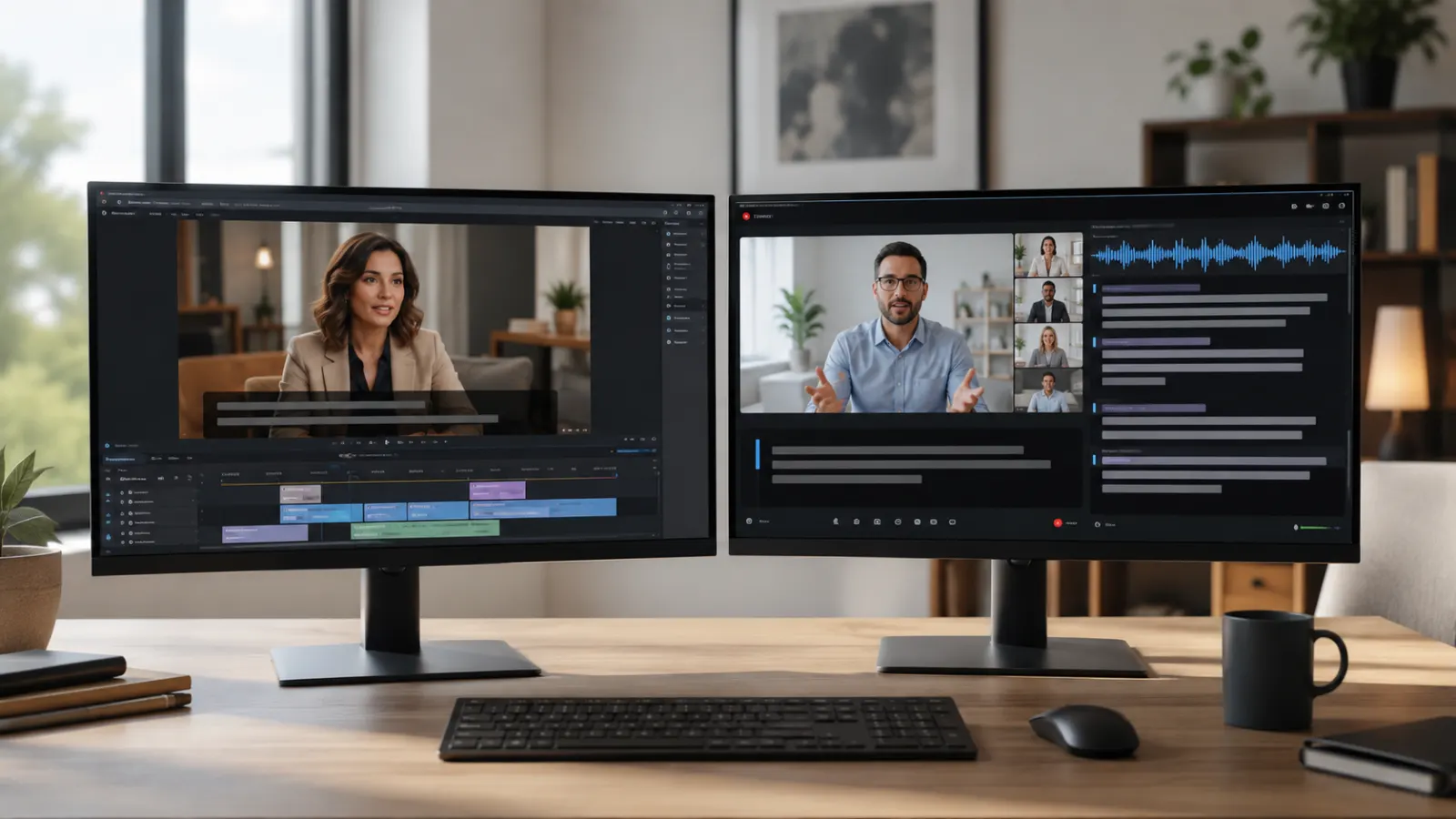
Closed captioning services convert dialogue and meaningful audio information into synchronized on-screen text. Professional providers create captions for recorded videos, livestreams, webinars, television programs, online courses, meetings, social media content, and public events.
A complete caption track includes more than spoken words. It can identify speakers and describe relevant sounds, such as music, laughter, applause, alarms, or a door closing. These details help viewers understand information that the audio communicates. The World Wide Web Consortium states that captions should include dialogue, speaker identification, and important non-speech audio. W3C Web Accessibility Initiative
This guide explains how closed captioning works, which service suits each type of content, what professional captioners deliver, and how to evaluate quality before hiring a provider.
Quick Answer: What Are Closed Captioning Services?
Closed captioning services create timed text that represents the spoken dialogue and relevant sounds in a video or live presentation. Viewers can usually turn closed captions on or off through the media player.
A provider may supply:
- Prerecorded video captioning
- Real-time captioning for live events
- Human-edited captions
- Automatic captions with human review
- Broadcast captioning
- Multilingual captions
- Caption file formatting
- Caption synchronization
- Quality assurance
- Burned-in open captions
- Transcripts and subtitle files
Closed captions differ from open captions. Users can normally enable or disable closed captions, while open captions remain visible because they form part of the video image.
What Professional Captioning Includes
A captioner listens to the audio, transcribes the content, divides the text into readable segments, assigns timestamps, identifies speakers, and adds descriptions of meaningful sounds.
The service may also include research and editing. A captioner might verify:
- Names and professional titles
- Company and product names
- Technical terminology
- Acronyms
- Locations
- Numbers and measurements
- Industry-specific vocabulary
- Spelling preferences
- Punctuation and capitalization
Good captioning preserves meaning without making the viewer work to understand who is speaking or when the words belong in the video.
The US Federal Communications Commission uses four central quality principles for television captions: accuracy, synchronicity, completeness, and placement.
Accuracy
Captions should match the dialogue and communicate significant sounds. Proper spelling, punctuation, grammar, terminology, and speaker identification all affect accuracy.
Synchronicity
Text should appear when the corresponding words or sounds occur. Captions that arrive too early can reveal information before the video does. Captions that arrive late force viewers to connect text with an earlier scene.
Completeness
The caption track should cover the entire program. Missing sentences, skipped sections, absent sound descriptions, or captions that stop before the video ends create information gaps.
Placement
Captions should not cover names, graphics, demonstrations, presentation slides, scores, safety notices, or other essential visual information.
Main Types of Closed Captioning Services
The right service depends on whether the content is live or recorded, how quickly it must be published, and how much accuracy the subject requires.
Prerecorded Captioning
Prerecorded captioning gives the provider time to transcribe, synchronize, review, and correct the text before delivery. It suits:
- YouTube videos
- Training materials
- Online courses
- Documentaries
- Interviews
- Marketing videos
- Product demonstrations
- Recorded meetings
- Podcasts published with video
- Films and entertainment programs
Because the media already exists, the captioner can replay difficult passages and check names or terminology. This makes careful editing and detailed quality control possible.
Live Closed Captioning
Live captioning converts speech into text while an event is happening. It is commonly used for:
- Webinars
- Conferences
- Livestreams
- News programs
- Workplace meetings
- University lectures
- Government proceedings
- Religious services
- Sports coverage
- Public announcements
WCAG 2.2 requires captions for live audio in synchronized media at Level AA.
Live services may use a trained real-time captioner, speech recognition technology, or a combination of automation and human monitoring. Since the text appears immediately, organizers should give the captioning team presentation slides, speaker names, agendas, abbreviations, and specialist vocabulary before the event.
Human Captioning
A human captioner transcribes or reviews the content and makes decisions about context, punctuation, speaker changes, and meaningful sounds.
Human involvement is especially valuable for content containing:
- Multiple speakers
- Overlapping conversation
- Strong accents
- Technical vocabulary
- Unusual names
- Poor audio
- Humor or wordplay
- Sensitive information
- Legal, medical, or academic language
The final quality still depends on the provider’s training, review process, source audio, and preparation materials. The term human captioning alone does not confirm a particular accuracy level.
Automatic Captioning
Automatic captioning uses speech recognition to generate timed text. It can be useful for drafts, internal videos, searchable archives, or high-volume projects with limited turnaround time.
However, unreviewed automatic captions can misinterpret names, accents, specialized terms, punctuation, or overlapping speech. W3C notes that automatically generated captions do not meet accessibility needs unless they are fully accurate.
A practical workflow is to generate an automatic first draft and then have a qualified person correct the wording, timing, speaker labels, and sound descriptions.
Broadcast Captioning
Broadcast captioning covers television programs and other video distributed through broadcast systems. It may involve live captioning, offline preparation, or conversion into technical formats required by the broadcaster.
In the United States, FCC rules address captioning quality for television programming. Separate FCC provisions apply to certain internet-delivered video programming that previously appeared on US television with captions.
Broadcast clients should confirm technical specifications with the network or distribution platform before production begins.
Multilingual Captioning and Subtitling
A multilingual project may require same-language captions, translated subtitles, or both.
For example, an English video could include:
- English closed captions for the dialogue and meaningful sounds
- Spanish subtitles translating the dialogue
- French subtitles for another audience
- A separate English transcript
- Open-captioned social media versions
Translation should form a separate stage from transcription. The provider must first establish an accurate source-language script, then translate and time the target-language text.
Closed Captions, Subtitles, and Transcripts
These terms are related, but they do not always describe the same deliverable.
Closed Captions
Closed captions represent dialogue and relevant audio information. The viewer can normally switch them on or off.
Example:
- Maya: We need to leave before sunrise.
- Thunder rumbles in the distance.
- Soft piano music begins.
Open Captions
Open captions remain on screen and cannot be disabled. They are useful on platforms or displays where viewers may not activate a separate caption track.
Subtitles
Subtitles commonly communicate dialogue, often through translation into another language. They may not include speaker labels or descriptions of non-speech sounds unless the project specification requires them.
Transcripts
A transcript presents audio information as a document rather than as text synchronized with each moment of the video. It can support review, reference, and access to audio-only material, but it does not replace synchronized captions when captions are required for video.
Section508.gov advises synchronizing captions with the corresponding audio and including dialogue and important sounds.
Common Caption File Formats
A captioning provider should deliver files compatible with the destination platform.
WebVTT
WebVTT uses timed text tracks for web video. It can carry captions, subtitles, chapters, descriptions, and time-aligned metadata.
Files normally use the .vtt extension.
SRT
SRT is a widely used text-based subtitle format containing numbered cues, start and end times, and text. Many social media, editing, and video-hosting platforms accept it, but platform support and styling options vary.
Files use the .srt extension.
TTML
Timed Text Markup Language supports timed text presentation and is used in some professional, web, and distribution workflows.
Files commonly use .ttml or .xml, depending on the delivery system.
Embedded Broadcast Formats
Television and professional distribution workflows may require formats based on CEA-608, CEA-708, SCC, MCC, EBU-TT, or another broadcaster specification. The correct choice depends on the distribution system, region, and delivery requirements.
Burned-In Video
A provider may return a new video file with permanent text placed directly on the image. This produces open captions rather than selectable closed captions.
Ask the publisher, broadcaster, learning platform, or social network for its accepted format before ordering.
The Closed Captioning Workflow
A well-managed project usually follows a clear production sequence.
1. Content Review
The provider checks the media duration, language, audio quality, speaker count, subject, required format, and deadline.
2. Project Preparation
The client supplies supporting materials, including:
- Speaker names
- Scripts
- Slide decks
- Agendas
- Brand terminology
- Glossaries
- Product names
- Preferred spellings
- Existing transcripts
- Platform specifications
3. Transcription
The spoken content is converted into text. The captioner also identifies meaningful sounds and speaker changes.
4. Caption Segmentation
The text is divided into readable cues. Logical breaks help viewers follow the language without losing the connection between captions and the action.
5. Timecoding
Each caption receives a start and end time that connects it to the relevant speech or sound.
6. Editing and Quality Control
An editor checks wording, punctuation, speaker labels, timing, completeness, and screen placement.
7. File Export
The provider exports the approved captions in the requested format.
8. Playback Testing
The file is tested with the final video and player. This step can reveal timing shifts, unsupported formatting, line breaks, encoding errors, or text that covers important visuals.
How to Choose a Closed Captioning Service
Do not select a provider on turnaround time alone. Ask for information that lets you compare the complete service.
Confirm the Production Method
Find out whether the provider offers:
- Fully human transcription
- Automatic transcription
- Human review of automatic output
- Real-time human captioning
- Real-time speech recognition
- Post-event correction
The label AI captioning does not tell you whether a person reviews the final file.
Ask How Quality Is Measured
A provider should explain what it checks and how it handles corrections. Ask about:
- Accuracy review
- Timing standards
- Speaker identification
- Sound descriptions
- Research of proper nouns
- Technical terminology
- Final playback testing
- Revision policy
Avoid relying on an accuracy percentage unless the provider explains how it calculates that figure. Different measurement methods can produce different results.
Check Subject Experience
A general captioner may handle lifestyle videos well but struggle with engineering, medicine, finance, law, or scientific research. Ask whether the team has experience with your subject and language variety.
Review Security Practices
If the video contains confidential information, ask how the provider transfers, stores, accesses, and deletes files. Confirm whether subcontractors will see the material and whether the provider can meet your organization’s confidentiality requirements.
Confirm Every Deliverable
A quote should identify what you will receive, such as:
- SRT file
- WebVTT file
- Transcript
- Speaker labels
- Sound descriptions
- Burned-in video
- Translated subtitle files
- Source project files
- Revision round
- Post-event corrected captions
Request a Sample
A short sample can reveal how the provider handles timing, line breaks, accents, names, speaker changes, and background sounds. Test the sample in the same player that will host the final video.
A Practical Quality Checklist
Use this checklist before publishing captioned media:
- Does the text match the spoken content?
- Are names, numbers, and specialist terms correct?
- Do captions identify speakers when the identity is not visually clear?
- Are meaningful sounds included?
- Does each caption appear with the relevant audio?
- Do captions remain visible long enough to read?
- Does the file cover the complete video?
- Does text avoid blocking essential visuals?
- Are punctuation and capitalization consistent?
- Does the file work in the intended media player?
- Can users activate the closed-caption track?
- Does the correct language appear in the player menu?
- Have you tested the final exported video rather than only the editing preview?
These checks reflect the FCC’s principles of accuracy, synchronicity, completeness, and placement, along with federal guidance on readable and synchronized captions.
Accessibility Standards and Legal Considerations
Caption requirements depend on the organization, media type, platform, audience, jurisdiction, and applicable law. A general article cannot determine the legal duties of a particular business or project.
WCAG 2.2 includes captions for prerecorded audio in synchronized media as a Level A success criterion. Captions for live synchronized media appear at Level AA.
The US Department of Justice advises that accessible videos can include synchronized, accurate captions that identify speakers. Its guidance also explains that the Americans with Disabilities Act applies to state and local governments and to businesses open to the public, although the exact obligations depend on the circumstances.
For US television, the FCC applies captioning rules and quality standards to covered programming. Its internet video rules have a more specific scope and generally concern programming previously shown on US television with captions.
In the United Kingdom, Ofcom’s Television Access Services Code governs access-service requirements for regulated television services. Ofcom identifies subtitling, signing, and audio description as television access services.
Organizations should obtain qualified legal advice when they need a compliance determination.
Common Captioning Mistakes to Avoid
Publishing Raw Automatic Captions
An automatic draft may contain incorrect words, missing punctuation, or inaccurate names. Review the entire track before publication.
Captioning Dialogue Only
Relevant music, alarms, laughter, off-screen voices, and other meaningful sounds may carry information that viewers need.
Using One Speaker Label for Everyone
Unclear speaker changes make interviews, meetings, and panel discussions difficult to follow.
Ignoring the Final Platform
A file that works in one editing program may display differently in another player. Test the uploaded version.
Covering Important Visual Information
Captions should not hide lower-third names, presentation text, demonstrations, or other essential details.
Treating a Transcript as a Caption File
A transcript lacks the cue timing needed to display text with the corresponding moments in a video.
Ordering Too Late
Live and specialist projects benefit from preparation materials. Sharing the vocabulary and program details early gives the captioning team time to prepare.
Choosing a Service That Fits the Content
The best closed captioning service is the one that matches the content, audience, platform, and required quality level. Recorded marketing clips may need edited SRT and WebVTT files. Technical training may require specialist research and a detailed review. A public livestream may need an experienced real-time captioner and a corrected recording afterward.
Define the deliverables before comparing providers. Ask how captions are created, reviewed, synchronized, tested, and corrected. A clear specification helps you receive captions that viewers can follow and your publishing platform can display properly.
Frequently Asked Questions
What is a closed captioning service?
It is a professional service that converts speech and meaningful audio into timed text for video or live media. The provider may transcribe, synchronize, format, review, and deliver the captions.
Can viewers turn closed captions off?
Yes, closed captions are normally selectable through the video player or television controls. Open captions remain permanently visible.
Do captions include music and sound effects?
They should include non-speech audio when that information helps viewers understand the content. W3C guidance specifically identifies meaningful sound effects and speaker information as caption content.
Are automatic captions enough for accessibility?
Only if the final captions are accurate. W3C warns that automatically generated captions do not meet accessibility needs unless they are fully accurate. Human review remains important when automated output contains errors.
What should I send to a captioning provider?
Send the final video or live access details, speaker names, scripts, slides, glossaries, technical terms, required languages, preferred file formats, platform specifications, and deadline.
Which caption format should I request?
Ask the destination platform which format it accepts. WebVTT is the most common web caption format according to W3C, while many platforms also accept SRT. Broadcast and professional distribution systems may require other files.
Do captions and subtitles mean the same thing?
Usage varies, but captions generally represent dialogue and meaningful sounds for viewers who cannot hear the audio. Subtitles commonly present dialogue or translate speech and may omit non-speech information.
How much do closed captioning services cost?
Pricing varies by provider, media duration, language, turnaround time, audio quality, subject complexity, captioning method, and output format. Request an itemized quote because a price per media minute may not include translation, rush delivery, burned-in video, or revisions.
Do I need captions for social media videos?
Captions make spoken information available when the audio is unavailable to the viewer. Whether they are legally required depends on the publisher, content, jurisdiction, and applicable accessibility rules. I cannot confirm a legal requirement for a specific social media account without those details.