
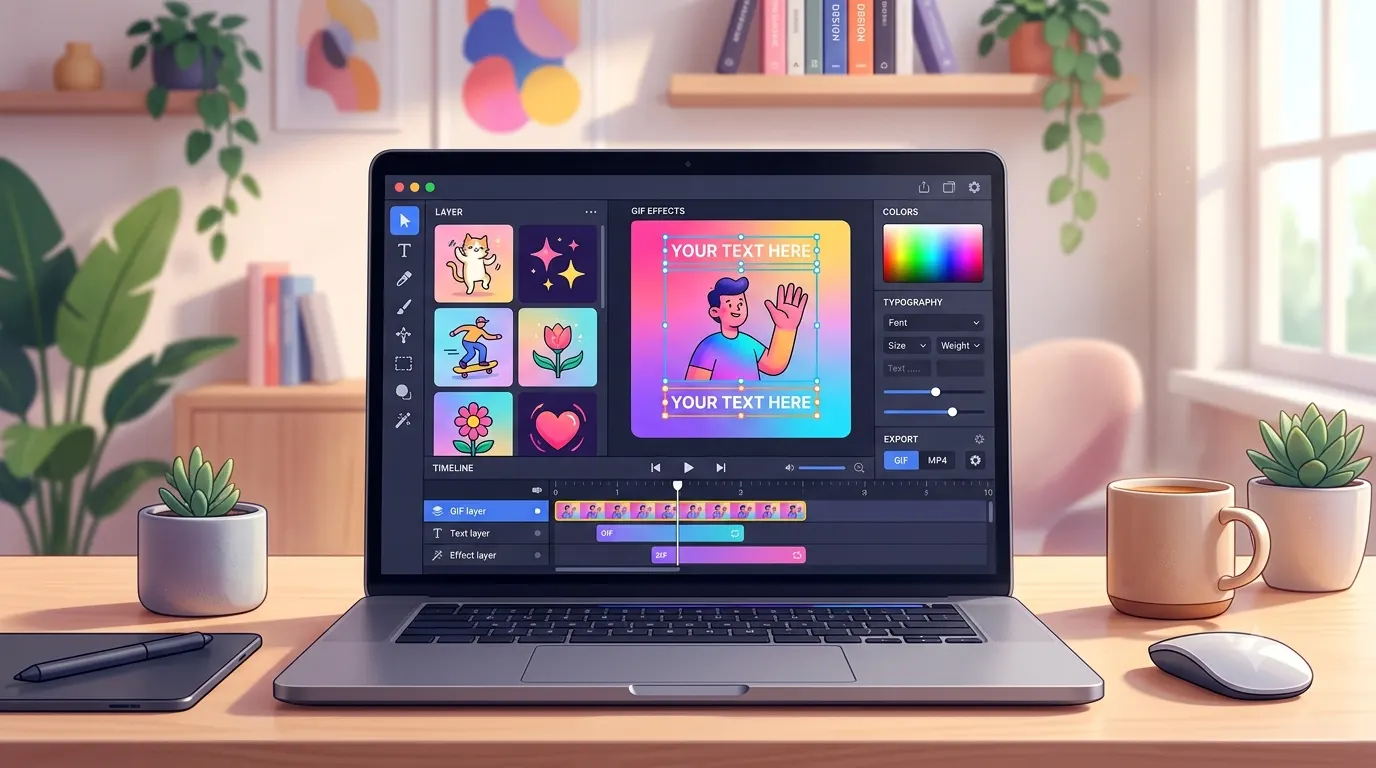
GIFs make conversations, social media posts, blog content, and marketing campaigns more engaging. Adding captions to a GIF makes it even more expressive by giving viewers context, humor, or a clear message. Whether you want to create funny reaction GIFs, improve accessibility, explain a process, or add branded text for marketing, learning how to caption a GIF is a useful skill.
This guide explains what a caption GIF is, why captions matter, and the easiest ways to add captions using online tools, mobile apps, and desktop software. You’ll also find practical tips, common mistakes to avoid, and answers to frequently asked questions.
What Is a Caption GIF?
A caption GIF is simply an animated GIF with text added to it. The caption can appear at the top, bottom, center, or even move with the animation depending on the editing tool you use.
People commonly use captioned GIFs for:
- Social media posts
- Instagram Stories
- Facebook comments
- X posts
- Reddit discussions
- Discord chats
- Blog illustrations
- Marketing campaigns
- Product tutorials
- Educational content
- Meme creation
Captions help explain what’s happening, highlight a joke, tell a story, or make the GIF easier for everyone to understand.
Quick Answer
If you want to add a caption to a GIF quickly:
- Upload your GIF to a GIF editor.
- Add a text layer.
- Choose the font, color, and size.
- Position the caption.
- Export the finished GIF.
- Share it wherever you like.
Most online editors complete the process in just a few minutes.
Why Add Captions to a GIF?
Adding text transforms a simple animation into something more engaging and meaningful.
Some of the biggest benefits include:
- Makes jokes easier to understand.
- Adds context to reaction GIFs.
- Improves accessibility.
- Increases engagement on social media.
- Helps explain tutorials.
- Creates memorable memes.
- Strengthens branding.
- Makes marketing visuals more informative.
- Encourages more shares.
- Gives personality to your content.
Best Ways to Create a Caption GIF
There isn’t just one way to caption a GIF. The best method depends on your device and how much customization you need.
Use an Online GIF Editor
Online editors are perfect for beginners because they work directly in your browser.
Typical workflow:
- Upload your GIF.
- Insert a text box.
- Customize the font.
- Adjust colors.
- Move the caption.
- Preview the animation.
- Export the GIF.
This option works well for occasional editing without installing software.
Use a Mobile App
If you create content from your phone, mobile apps make captioning quick and convenient.
Most apps allow you to:
- Resize text
- Add emojis
- Animate captions
- Change fonts
- Apply shadows
- Add stickers
- Export directly to social media
This is a great option for creators who frequently post on Instagram, TikTok, Snapchat, or Facebook.
Use Desktop Software
Desktop applications usually offer the most editing power.
Advanced features often include:
- Frame-by-frame editing
- Multiple text layers
- Animated captions
- Custom fonts
- Color correction
- Motion effects
- Transparent backgrounds
- Precise positioning
These tools are ideal for professional content creators and designers.
Where Caption GIFs Work Best
Captioned GIFs are popular across many platforms because they communicate quickly.
Some common uses include:
Social Media
Use caption GIFs to:
- React to trending topics.
- Share funny moments.
- Post announcements.
- Create engaging stories.
- Increase comments.
Blogs
GIFs can make long articles easier to follow by showing:
- Step-by-step tutorials
- Product demonstrations
- Visual explanations
- Before-and-after examples
Marketing
Businesses often use caption GIFs for:
- Product launches
- Promotions
- Email campaigns
- Social advertisements
- Customer education
Education
Teachers and trainers use GIF captions to:
- Explain concepts
- Demonstrate software
- Highlight important actions
- Improve lesson engagement
Tips for Better GIF Captions
Even a simple caption can become much more effective with thoughtful design.
Keep It Short
Most viewers only watch a GIF for a few seconds.
Aim for concise captions that communicate the message immediately.
Use Readable Fonts
Choose fonts that remain clear on both desktop and mobile devices.
Avoid decorative fonts that become difficult to read.
Pick High Contrast Colors
White text with a dark outline often works well because it remains visible against changing backgrounds.
Place Text Carefully
Don’t cover important actions or facial expressions unless that’s part of the joke.
Leave enough space so the animation remains easy to understand.
Match the Tone
Funny GIFs benefit from playful captions, while educational GIFs should use clear and direct language.
Test Before Sharing
Preview the completed GIF to make sure:
- Text stays readable.
- Nothing important is hidden.
- Timing feels natural.
- The animation loops smoothly.
Common Types of Caption GIFs
Different situations call for different caption styles.
Funny Caption GIFs
These focus on humor and relatable reactions.
Examples include:
- Everyday life jokes
- Office humor
- Friendship reactions
- Gaming moments
- School memes
Inspirational Caption GIFs
Perfect for motivational posts.
These often include:
- Positive affirmations
- Success reminders
- Daily encouragement
- Goal tracking
- Productivity messages
Business Caption GIFs
Useful for brands that want engaging visual content.
Popular uses include:
- Product announcements
- Limited-time offers
- Customer testimonials
- Feature highlights
- Event promotions
Tutorial Caption GIFs
These help explain processes one step at a time.
They’re commonly used for:
- Software walkthroughs
- Website guides
- Mobile app instructions
- DIY projects
- Educational lessons
How to Choose the Right Caption Style
The best caption depends on your audience and the purpose of your GIF.
Consider these questions before adding text:
- Is the goal to entertain or educate?
- Will people read it on a mobile screen?
- Does the caption support the animation?
- Is the wording short enough?
- Does it match your brand or personality?
- Is it easy to understand without extra explanation?
Simple captions usually perform better because viewers understand them instantly.
Common Mistakes to Avoid
Small mistakes can reduce the impact of an otherwise great GIF.
Avoid these issues:
- Writing captions that are too long.
- Using fonts that are difficult to read.
- Covering important parts of the animation.
- Choosing colors that blend into the background.
- Adding too many text effects.
- Forgetting to preview the animation.
- Using inconsistent branding.
- Exporting at very low quality.
- Making the text too small for mobile users.
- Overloading one GIF with multiple messages.
A clean, readable caption almost always performs better than an overly complicated design.
Creative Ways to Use Caption GIFs
Caption GIFs are incredibly versatile. Whether you’re creating content for fun or for business, adding text can make your animation more memorable and engaging.
Caption GIFs for Social Media
Short, eye catching captions work best on social platforms where users scroll quickly.
Popular ideas include:
- Daily reactions
- Trending memes
- Holiday greetings
- Behind the scenes moments
- Product launches
- Event highlights
- Personal milestones
- Weekend updates
- Celebration posts
- Story replies
Caption GIFs for Business Marketing
Businesses use caption GIFs to grab attention without requiring viewers to turn on sound.
Common examples include:
- New product available
- Limited time offer
- Shop now
- Free shipping today
- Thank you for your order
- Customer favorite
- New collection
- Sale ends tonight
- Subscribe today
- Learn more
Caption GIFs for Content Creators
Creators often use GIFs to increase engagement and add personality to their content.
Some effective caption ideas are:
- New video is live
- Swipe for more
- Watch until the end
- Link in bio
- Behind the scenes
- Coming soon
- Stay tuned
- Guess what happened
- Big announcement
- Thank you for watching
Short Caption Ideas for GIFs
Short captions are easy to read and perfect for fast moving animations.
- Mood today.
- Same energy.
- That feeling.
- Too funny.
- Absolutely.
- No words.
- I agree.
- Worth it.
- Here we go.
- Mission complete.
- Just wow.
- Every time.
- Exactly this.
- Pure happiness.
- One more time.
- Not again.
- Feeling lucky.
- Big win.
- Keep smiling.
- Let’s go.
- So relatable.
- Perfect timing.
- What a day.
- Couldn’t resist.
- Instant favorite.
Funny Caption GIF Ideas
Funny captions can make reaction GIFs even more entertaining.
- Me pretending everything is fine.
- That escalated quickly.
- I wasn’t ready for that.
- Monday has entered the chat.
- My brain stopped working.
- This was not part of the plan.
- Trying my best.
- Still processing.
- Someone explain this.
- I need a vacation.
- That’s enough internet today.
- Why am I like this?
- Well, that happened.
- Guess I’ll laugh anyway.
- Unexpected plot twist.
- Nothing surprises me anymore.
- I saw nothing.
- This is awkward.
- Send snacks immediately.
- The drama continues.
- My face says it all.
- That was legendary.
- Can’t stop laughing.
- Too accurate.
- Zero regrets.
Cute Caption GIF Ideas
Cute captions work well for pets, friends, family, and wholesome moments.
- Smiles all around.
- Happiness found me.
- Love this moment.
- You make my day.
- Tiny moments matter.
- Sweet memories.
- Pure joy.
- Heart full.
- Sunshine vibes.
- Stay adorable.
- Good energy only.
- Best day ever.
- Making memories.
- Life feels lighter.
- Keep shining.
- Every smile counts.
- Happiness looks good on you.
- Forever grateful.
- Warm hugs.
- Love wins.
- Cherish today.
- Simple happiness.
- Cozy vibes.
- Endless smiles.
- My favorite people.
Motivational Caption GIF Ideas
Encourage your audience with uplifting text.
- Keep moving forward.
- Progress beats perfection.
- Every step counts.
- Believe in yourself.
- Start today.
- Stay focused.
- Small wins matter.
- Better every day.
- Keep going.
- Dream bigger.
- Success starts now.
- Never stop learning.
- Stay determined.
- Build your future.
- Trust the process.
- Keep growing.
- Make today count.
- Your journey matters.
- Great things take time.
- Stay inspired.
- Don’t quit now.
- Create your opportunity.
- Believe and achieve.
- Keep climbing.
- Finish strong.
Professional Caption GIF Ideas
These captions work well for workplace communication and business content.
- Meeting starts now.
- Great teamwork.
- Project completed.
- Deadline achieved.
- Welcome aboard.
- Thank you, team.
- Excellent work.
- Time to celebrate.
- Big milestone reached.
- Productivity mode.
- New update available.
- Success together.
- Client approved.
- Let’s collaborate.
- Work smarter.
- Innovation continues.
- New opportunity.
- Growing every day.
- Better together.
- Keep improving.
Caption GIF Design Tips
A visually appealing GIF is just as important as the words you choose.
Use Safe Margins
Leave space around the edges so captions don’t get cropped on different platforms.
Keep Font Sizes Consistent
Using one or two font sizes creates a cleaner and more professional appearance.
Limit Color Choices
Too many colors can distract from the message. Stick with a simple palette that complements the animation.
Make Timing Feel Natural
If your editor supports animated text, make sure captions appear when they are most relevant to the action.
Optimize File Size
Large GIFs can load slowly. Compress them when possible while maintaining acceptable image quality.
When Should You Add Captions to a GIF?
Captions are especially useful when:
- The animation needs context.
- The joke isn’t obvious.
- You’re sharing educational content.
- You’re promoting a product.
- You want viewers to remember a message.
- The GIF will play without sound.
- You need to improve accessibility.
- You’re creating branded content.
- You want to increase engagement.
- The animation tells a story.
Accessibility Tips for Caption GIFs
Adding captions isn’t just about style. It also helps more people understand your content.
Keep these best practices in mind:
- Use simple language.
- Avoid overly decorative fonts.
- Maintain strong color contrast.
- Keep text large enough for mobile viewing.
- Don’t flash text too quickly.
- Make captions easy to read from beginning to end.
- Use consistent placement throughout the animation.
- Avoid covering important visual details.
Thoughtful captioning creates a better experience for a wider audience and makes your GIFs more effective across different platforms.
Final Thoughts
Learning how to create a caption GIF is a simple way to make your content more engaging, informative, and memorable. Whether you’re creating memes, educational visuals, marketing graphics, or social media posts, well placed captions help your audience understand your message immediately.
Focus on clear wording, readable fonts, and clean design instead of adding unnecessary effects. Short, meaningful captions almost always perform better than lengthy text that distracts from the animation. With the right approach, captioned GIFs can increase engagement, improve accessibility, and make your content more enjoyable across every platform.
Frequently Asked Questions
What is a caption GIF?
A caption GIF is an animated GIF with text added to it. The text can explain the animation, add humor, provide instructions, or make the GIF more engaging for viewers.
Can I add captions to an existing GIF?
Yes. Most GIF editing tools let you upload an existing GIF, add text, customize its appearance, and export a new version without creating the animation from scratch.
Can I create a caption GIF on my phone?
Absolutely. Many mobile apps allow you to add captions, stickers, emojis, and animated text directly from your smartphone or tablet.
What font works best for GIF captions?
Simple, bold fonts are usually the easiest to read. Choose a font with high contrast against the background and avoid styles that become difficult to read on small screens.
Can I add multiple captions to one GIF?
Yes. Many editors let you add multiple text boxes that appear at different points during the animation. This works well for storytelling, tutorials, and step by step demonstrations.
Are caption GIFs good for social media?
Yes. Captioned GIFs often attract more attention because viewers can understand the message instantly, even when watching without sound.
How do I make my GIF captions easier to read?
Use short sentences, large fonts, high contrast colors, and avoid placing text over important parts of the animation. Always preview the finished GIF before sharing it.
Can I use caption GIFs for business marketing?
Yes. Businesses frequently use caption GIFs to announce new products, explain features, promote sales, and increase engagement on social media, websites, and email campaigns.
Do captions affect GIF quality?
Adding captions does not automatically reduce quality. However, exporting with excessive compression may lower image quality, so choose balanced export settings whenever possible.
What is the ideal caption length for a GIF?
Most effective GIF captions contain only a few words or one short sentence. Brief captions are easier to read before the animation loops again.