
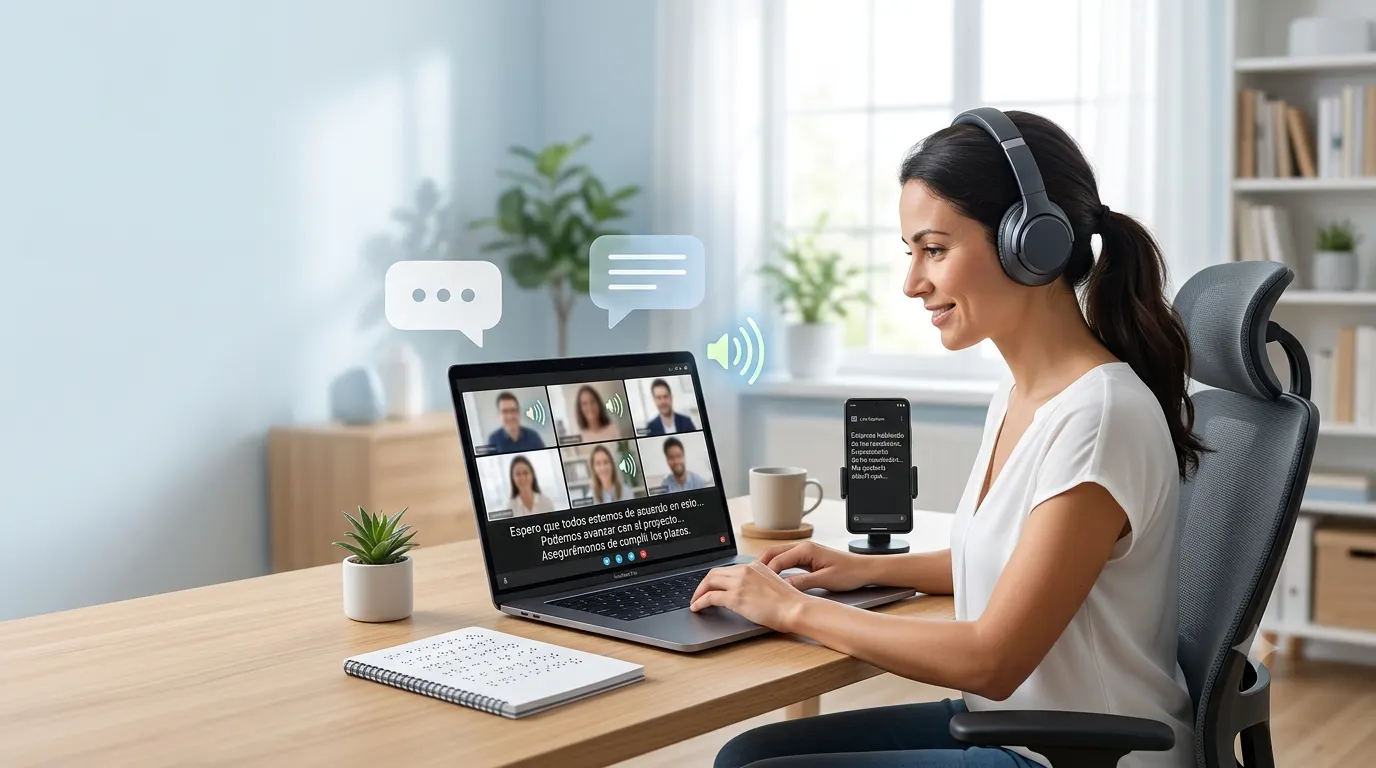
Live captions in Spanish make spoken content easier to follow by converting speech into readable text in real time. Whether you are watching online meetings, live streams, videos, or presentations, Spanish live captions improve accessibility, help language learners, and make conversations easier to understand in noisy environments.
This guide explains what Spanish live captions are, how they work, where you can use them, and how to enable them on popular devices and platforms.
What Are Live Captions in Spanish?
Live captions in Spanish are automatically generated subtitles that display spoken Spanish as text while someone is speaking. Unlike traditional subtitles that are prepared before a video is published, live captions appear instantly during live conversations, meetings, broadcasts, or recorded content.
Many modern devices and apps use artificial intelligence and speech recognition to generate captions with minimal delay. While accuracy continues to improve, factors such as pronunciation, background noise, and internet quality can still affect the results.
People use Spanish live captions for many reasons, including:
- Improving accessibility for people who are deaf or hard of hearing.
- Following conversations in loud or quiet environments.
- Understanding different Spanish accents more easily.
- Learning Spanish through real time text support.
- Watching videos without turning on the sound.
- Making online meetings more inclusive.
Quick Answer
If you are looking for live captions in Spanish, most modern platforms already support them. Services such as YouTube, Google Meet, Microsoft Teams, Zoom, Windows, Android, and many smartphones offer automatic captioning in Spanish or allow speech recognition in Spanish during supported sessions.
The exact availability depends on the platform, language settings, and your device.
How Do Spanish Live Captions Work?
Spanish live captions rely on advanced speech recognition technology. The software listens to spoken words, identifies the language, converts speech into text, and displays captions almost instantly.
The process usually follows these steps:
- A microphone captures spoken Spanish.
- Speech recognition software analyzes the audio.
- Artificial intelligence identifies words and context.
- Text appears on the screen in real time.
- Captions continue updating throughout the conversation.
The better the audio quality, the more accurate the captions usually become.
Who Benefits From Spanish Live Captions?
Spanish live captions are useful for far more than accessibility. They support a wide variety of users in everyday situations.
People With Hearing Loss
Live captions help people who are deaf or hard of hearing follow conversations, presentations, online classes, and video content without relying only on audio.
Spanish Language Learners
Reading captions while listening helps learners connect pronunciation with spelling, making vocabulary easier to remember.
Students
Students can follow lectures more easily, especially during fast paced presentations or virtual classrooms.
Professionals
Business meetings become easier to understand when captions provide visual support during discussions, webinars, and presentations.
Travelers
Visitors in Spanish speaking countries can better understand announcements, public presentations, and guided tours when captions are available.
Content Creators
Creators use live captions to make streams and videos accessible to a larger audience while improving viewer engagement.
Where Can You Use Spanish Live Captions?
Spanish live captions are available across many everyday devices and online services.
Video Meetings
Many video conferencing platforms provide automatic captioning for meetings conducted in Spanish.
These captions can improve communication for remote teams, classrooms, and virtual events.
Live Streams
Streaming platforms increasingly support automatic caption generation, making live broadcasts more accessible.
Social Media Videos
Some social media platforms automatically generate captions that viewers can enable while watching videos.
Smartphones
Modern Android devices and some smartphones include built in live caption features that work across supported apps.
Computers
Windows and other operating systems continue expanding accessibility tools that support real time captioning during media playback and communication.
Educational Platforms
Online learning platforms often include caption support to help students follow lessons more effectively.
Benefits of Using Live Captions in Spanish
Spanish live captions provide practical advantages for both accessibility and everyday convenience.
Better Accessibility
Captions allow more people to participate in conversations regardless of hearing ability.
Improved Understanding
Even native speakers sometimes struggle with unfamiliar accents or fast speech. Captions make conversations easier to follow.
Better Focus
Reading along while listening helps many users stay engaged during long meetings or lectures.
Language Learning Support
Seeing written Spanish while hearing it spoken reinforces grammar, vocabulary, and pronunciation naturally.
Flexible Viewing
People can watch videos in libraries, offices, airports, or public transportation without increasing the volume.
Higher Content Engagement
Videos with captions often keep viewers watching longer because the content remains understandable even when audio cannot be played.
Are Spanish Live Captions Always Accurate?
Automatic captions have improved significantly, but no system is perfect.
Accuracy depends on several factors, including:
- Clear pronunciation.
- High quality microphones.
- Minimal background noise.
- Stable internet connection for cloud based services.
- Speaker pace.
- Regional Spanish accents.
- Technical vocabulary.
- Multiple people speaking at once.
For important legal, medical, or professional situations, human reviewed captions usually provide higher accuracy than automatic captions.
Common Situations Where Spanish Live Captions Help
Spanish live captions become especially useful in everyday scenarios such as:
- Online business meetings.
- University lectures.
- Virtual conferences.
- Live webinars.
- Religious services.
- Public announcements.
- Educational videos.
- Live interviews.
- Gaming streams.
- Family video calls.
- Online workshops.
- Virtual training sessions.
Each situation becomes easier to follow when spoken words also appear as readable text.
Choosing the Right Live Caption Tool
Not every captioning solution offers the same features. Before enabling Spanish live captions, consider:
- Supported Spanish dialects.
- Real time caption speed.
- Caption accuracy.
- Offline availability.
- Device compatibility.
- Accessibility settings.
- Privacy protections.
- Translation options.
- Font customization.
- Caption size adjustments.
Selecting the right tool depends on how and where you plan to use live captions.
How to Enable Live Captions in Spanish on Different Devices
Most modern devices include accessibility settings that let you turn on live captions. The steps vary by platform, but the process is usually straightforward.
Android
Many Android devices include a built in Live Caption feature.
General steps include:
- Open Settings.
- Go to Accessibility.
- Select Live Caption or Captions.
- Turn the feature on.
- Choose Spanish if your device supports it.
- Adjust caption size, style, and language preferences if available.
Some Android devices can display captions for videos, podcasts, voice messages, and supported apps without requiring separate software.
Windows
Recent versions of Windows include Live Captions as an accessibility feature.
To enable them:
- Open Settings.
- Select Accessibility.
- Choose Captions.
- Turn on Live Captions.
- Download any required language files.
- Select Spanish if supported.
You can also customize:
- Text size
- Caption color
- Background transparency
- Caption position
- Font style
YouTube
Many YouTube videos offer automatic captions, including Spanish for supported content.
To use them:
- Open a video.
- Select the CC button.
- Open caption settings.
- Choose Spanish if available.
- Adjust caption appearance if needed.
Some videos include manually created Spanish captions, while others rely on automatic speech recognition.
Google Meet
Google Meet supports live captions during meetings on supported accounts.
To use them:
- Join the meeting.
- Select Turn on captions.
- Choose the spoken language if prompted.
- Follow the conversation with captions appearing in real time.
This feature is especially useful for remote work, online classes, and multilingual meetings.
Microsoft Teams
Teams includes live caption features for many meeting types.
Users can:
- Turn captions on during meetings.
- Select supported spoken languages.
- Adjust caption appearance.
- Improve meeting accessibility.
Organizations may also enable live transcription for meeting recordings.
Zoom
Zoom offers automatic captions during supported meetings.
Participants can:
- Enable captions.
- View real time speech recognition.
- Resize captions.
- Move caption placement on screen.
Hosts may need to enable captioning before participants can access the feature.
Tips for Improving Caption Accuracy
Even advanced speech recognition performs better under the right conditions.
Follow these best practices for more reliable Spanish live captions.
Speak Clearly
Natural, steady speech is easier for speech recognition software to understand than rushed conversations.
Reduce Background Noise
Turn off televisions, fans, or loud music whenever possible.
Use a Good Microphone
External microphones often capture cleaner audio than built in laptop microphones.
Avoid Talking Over Others
Captions become less accurate when multiple speakers talk at the same time.
Maintain a Stable Internet Connection
Many live caption services process audio online. A reliable connection helps reduce delays.
Keep Software Updated
New software updates often improve speech recognition models and language support.
Live Captions vs Traditional Subtitles
Although people often use these terms interchangeably, they serve different purposes.
| Live Captions | Traditional Subtitles |
|---|---|
| Generated in real time | Created before publication |
| Appear during live speech | Added during editing |
| AI powered in many cases | Usually reviewed by humans |
| May contain small errors | Generally more accurate |
| Best for meetings and broadcasts | Best for movies and prerecorded videos |
Understanding this difference helps users choose the right accessibility option for each situation.
Common Challenges With Spanish Live Captions
Even the best systems occasionally face limitations.
Regional Accents
Spanish varies across countries, and some accents may reduce recognition accuracy.
Fast Speakers
Very rapid speech gives captioning software less time to process words correctly.
Technical Vocabulary
Industry specific terms, scientific language, and uncommon names may not always appear correctly.
Multiple Speakers
Group conversations can confuse automatic speech recognition.
Background Sounds
Music, applause, traffic, or echo can interfere with caption quality.
Accessibility Best Practices
If you create live content for Spanish speaking audiences, captions should be part of your accessibility strategy.
Keep these recommendations in mind:
- Use clear audio equipment.
- Speak at a natural pace.
- Avoid unnecessary background music.
- Test captions before important events.
- Repeat audience questions during presentations.
- Pause briefly between major topics.
- Use simple language whenever possible.
- Check microphone placement before going live.
These habits improve the experience for every viewer, not just those who rely on captions.
Can Live Captions Translate Into Spanish?
Some platforms offer live translation in addition to live captioning.
This is different from standard Spanish live captions.
For example:
- A speaker talks in English.
- The system recognizes English speech.
- Artificial intelligence translates the content.
- Spanish captions appear on the viewer’s screen.
Translation accuracy depends on the platform, internet connection, and language pair. Automatic translations are helpful for understanding conversations, but they may not perfectly capture idioms, humor, or specialized terminology.
Common Mistakes to Avoid
Users often experience caption issues because of avoidable setup problems.
Avoid these common mistakes:
- Forgetting to select the correct spoken language.
- Using poor quality microphones.
- Speaking too quickly.
- Expecting perfect accuracy in noisy places.
- Ignoring software updates.
- Covering the microphone during conversations.
- Using outdated operating systems.
- Assuming every platform supports Spanish captions in every region.
A few simple adjustments can significantly improve your overall captioning experience.
Conclusion
Spanish live captions have become an essential accessibility feature for communication, education, entertainment, and professional collaboration. Whether you are attending an online meeting, watching a live stream, learning Spanish, or creating inclusive content, real time captions help make spoken language easier to understand. As speech recognition technology continues to improve, Spanish live captions are becoming faster and more accurate across devices and platforms. While automatic captions may still make occasional mistakes, using a quality microphone, speaking clearly, and choosing the correct language settings can greatly improve the experience. If you regularly consume or create Spanish content, enabling live captions is a simple way to improve accessibility, comprehension, and engagement for yourself and others.
Frequently Asked Questions
What are live captions in Spanish?
Live captions in Spanish automatically convert spoken Spanish into on screen text in real time. They help users follow conversations, meetings, videos, and live events more easily.
Are Spanish live captions free?
Many devices and platforms include live captions at no extra cost. Availability depends on your operating system, app, subscription plan, and regional support.
Do live captions work offline?
Some devices support offline captioning after downloading the required language files, while others require an internet connection for cloud based speech recognition.
How accurate are Spanish live captions?
Accuracy is generally high in quiet environments with clear speech. Background noise, strong accents, multiple speakers, or technical terminology may reduce accuracy.
Can I use Spanish live captions during video calls?
Yes. Many video conferencing platforms support live captions during meetings, making conversations more accessible for participants.
Do live captions translate other languages into Spanish?
Some services offer live translation that converts spoken languages into Spanish captions. This feature is separate from standard Spanish live captioning and may not be available on every platform.
Can I customize the appearance of live captions?
Most supported devices allow you to adjust caption size, font, color, background, and screen position for improved readability.
Are live captions useful for learning Spanish?
Absolutely. Reading captions while listening helps learners improve vocabulary, pronunciation, spelling, and overall listening comprehension.